
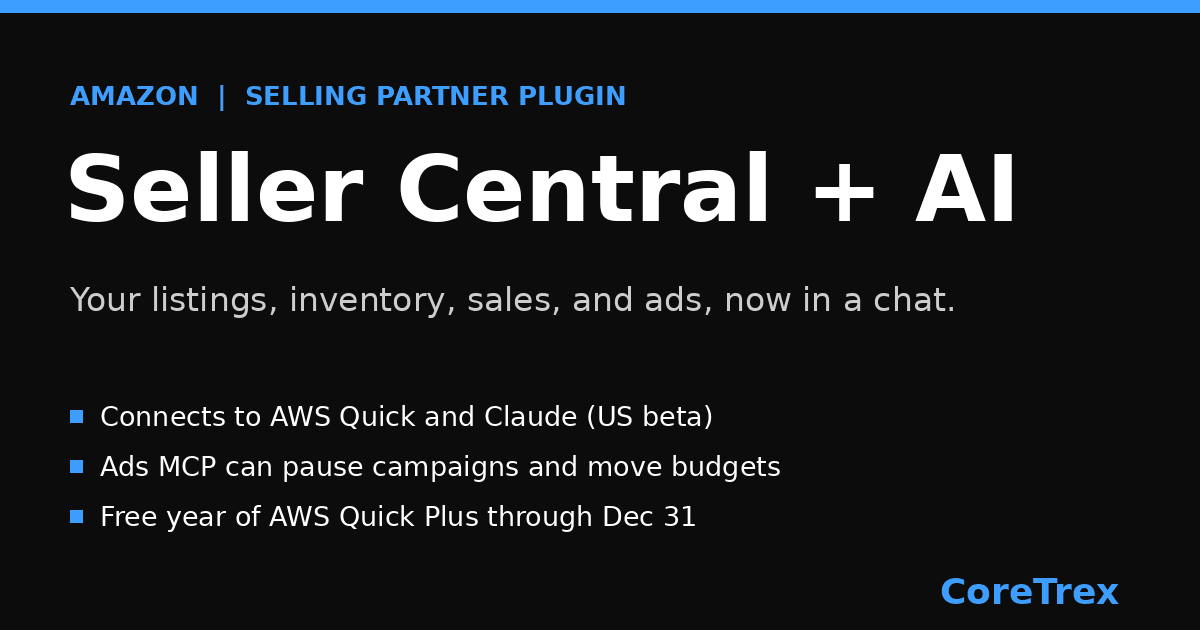
Amazon now has an official way to hook your Seller Central data up to an AI assistant, and it is pushing it hard right before Black Friday. The Selling Partner plugin connects AI tools like AWS Quick and Anthropic's Claude to your live listings, inventory, and sales data. Pair it with the Amazon Ads MCP Server and the same assistant can read your campaign data and pause campaigns, change budgets, and adjust bids. Amazon is also giving every primary selling account holder a free year of AWS Quick Plus if you sign up by December 31.
That is useful. It is also a tool that can change your ad spend on the most expensive week of the year. So here is what is real and how I would use it.
What Amazon confirmed
From Amazon's November 19 posts on the Sell on Amazon blog and the AWS blog:
- The Selling Partner plugin was announced at Amazon Accelerate on September 23, 2026. It is in beta for US stores.
- It connects AI assistants, including AWS Quick and Claude, to Seller Central data: product listings, inventory levels, and sales data, pulled live. It installs like an app with no coding.
- Permissions are set per data category. You choose None, View, or Edit for each, and you can narrow or revoke access later.
- The Amazon Ads MCP Server has been in open beta since February 2026. Once connected, an AI agent can create, update, or pause campaigns, check ASIN ad eligibility, adjust budgets, bids, and targeting, and access billing data.
- Amazon says ACOS and ROAS summaries can refresh every 15 minutes through Amazon Marketing Stream during peak days.
- Every primary selling account holder worldwide can claim 12 months of AWS Quick Plus free, plus access for 10 delegated users, if they sign up by December 31, 2026.
- Connecting through AWS Quick gives immediate plugin access. Connecting through Claude may put you on a waitlist.
- AWS says Quick does not use seller data to train models.
Amazon also lists its own warnings. The plugin and the Ads MCP Server use separate sign-ins and separate permissions. Data may lag during peak traffic. And the AI can invent a plausible answer about data it does not have, like your cost of goods or competitor pricing.
Sources: Sell on Amazon and AWS.
Why this matters
My read: this is Amazon making its data easier to work with, on its own terms. Most operators already pull reports out of Seller Central and the ads console and stitch them together in spreadsheets. Asking "which top ASINs are about to stock out, and how much am I spending on them" in plain English and getting an answer from live data is a real time saver.
The ads side is where you need to be careful. Amazon's own example has the assistant recommending you pause ads on low-stock ASINs and move budget to high-margin ones, then asking, "Shall I make those changes?" That is a good workflow on a Tuesday in March. On Black Friday, one misread prompt can pause your best campaign or burn through a daily budget by noon. Amazon says that too.
There is also a bigger point. Amazon is building AI that sits between you and your account. Whoever controls that layer controls a lot of how decisions get made. Use it, but keep your own numbers, especially margin and landed cost, because Amazon's tools do not have them.
Who this affects most
- Lean teams managing large catalogs who spend hours each week building inventory and ad reports.
- Brands running heavy Sponsored Products and Sponsored Brands spend through Cyber Monday.
- Agencies and operators with several people touching the same account, since edit access is now something an AI can hold.
- Sellers already using Claude or other AI tools informally by pasting exports into them.
What sellers should do now
- Claim the free AWS Quick Plus year before December 31. It costs nothing to lock in, even if you do not roll it out until January.
- Start with View access only. Connect the Selling Partner plugin read-only and use it for reporting questions before you give anything Edit rights.
- Keep the Ads MCP Server read-only through Cyber Monday. Use it to pull spend, ACOS, and stockout risk. Make the actual changes yourself in the console this week.
- Put a rule in your prompts: if the data is not available through the plugin or Ads MCP, say so and do not estimate. Ask it to name which tool each number came from.
- Cross-check anything you act on during peak against the live console, since Amazon says the data can lag.
- Decide who on your team can authorize these connections, and review those permissions like you would any other user access.
- After the holiday, test one real workflow, like a weekly stockout and ad spend report, and measure the hours it saves before you expand.
The bottom line
Amazon just made it a lot easier to run your account through an AI assistant, and the first year is free. Take the free year. Use it to read your data faster. Do not hand it the keys to your ad budget during Cyber Week.
Want AI working for your Amazon account, not against your margins? CoreTrex helps brands build reporting and advertising workflows that save time without giving up control of spend. Talk to a strategist.